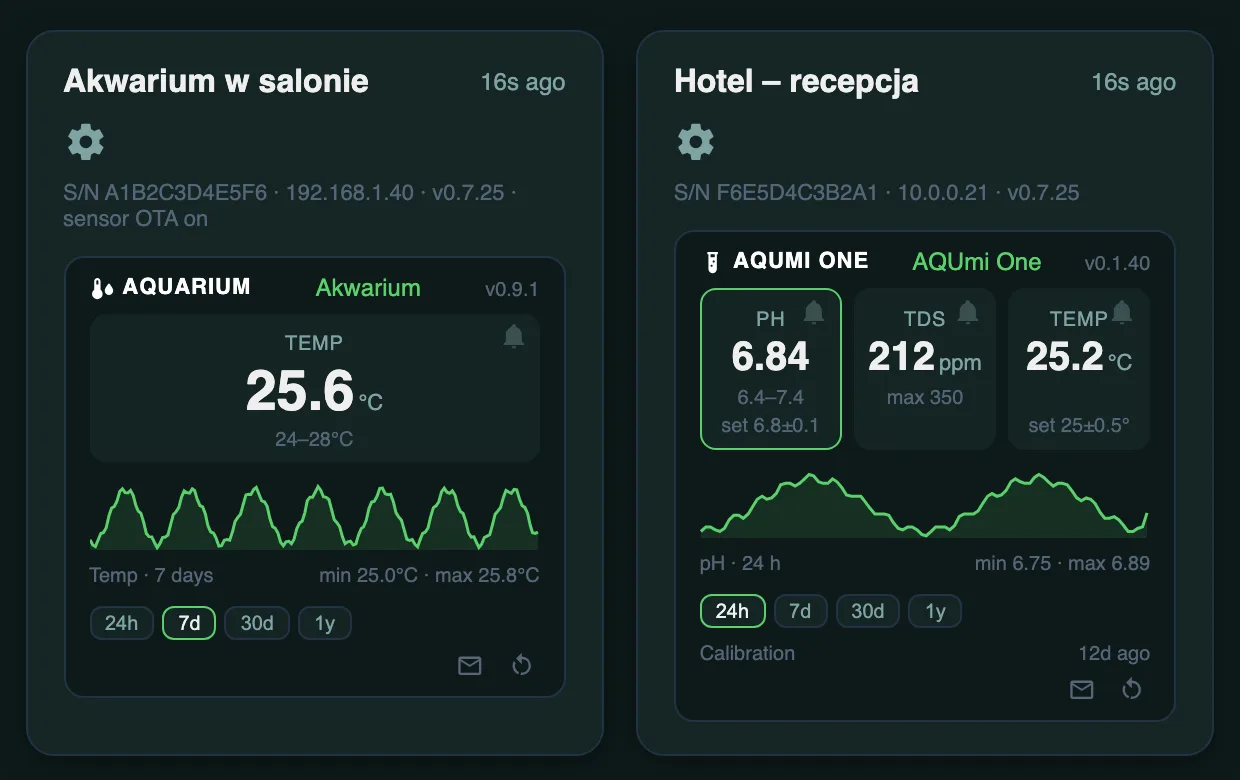
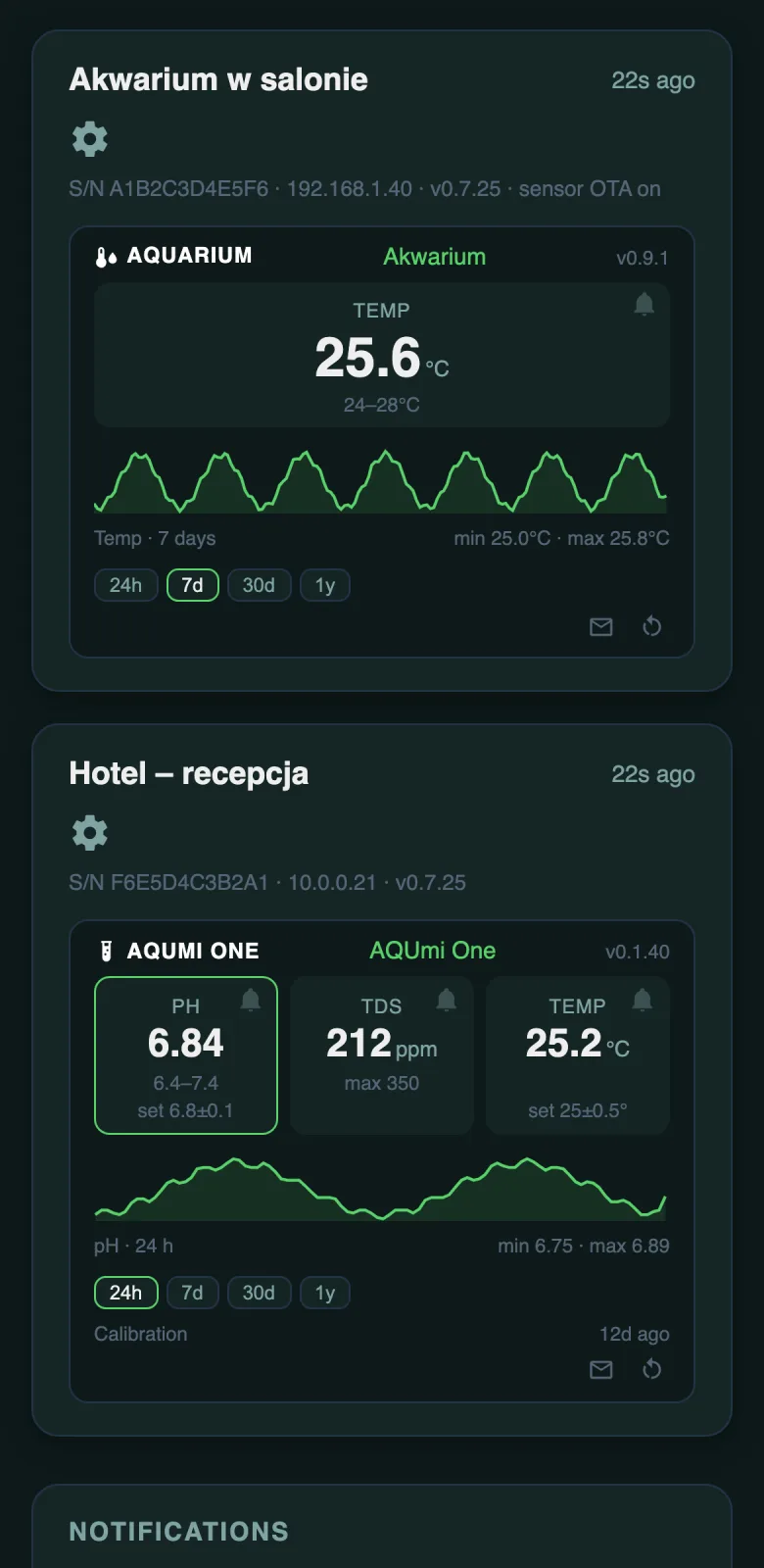
Screenshots with sample data (the portal interface is in English).
All your aquariums and terrariums in one place — on your phone and computer. Live readings, charts, remote settings and alerts, before it gets too warm or too cold.
Screenshots with sample data (the portal interface is in English).
Every measurement — temperature, pH, TDS — has its own tile with the current value and the alarm range. A value out of range turns red straight away. Under the tiles there's a chart of the last 24 hours; tapping a tile switches the chart to that measurement. You also see whether each device is online and which firmware it runs.
Change the temperature, pH and TDS alarm limits without walking up to the tank. On AQUmi One you can also set the target pH and temperature with hysteresis — for upcoming CO2 and heater control (relay control is in the works). An alarm for a single value can be muted, e.g. while you work on the tank. Changes reach the device within about a minute.
TempOne and AQUmi One can be restarted from the portal — it shows whether the command reached the device. After starting up, the device also checks right away for newer firmware.
An email to you and up to five more people, plus a push notification on your phone or computer: when a value goes out of range, when an alarm lasts longer, when everything is back to normal, when a device stops responding, when the temperature changes sharply (e.g. during a water change) and when 90 days have passed since the last pH probe calibration.
You sign in with your Google account — no extra password to remember. Everyone sees only their own devices, and several people can have access to one device, e.g. a hotel's reception and its manager. The portal can be added to your phone's home screen like an app; you stay signed in for 180 days from your last visit.
| Basic | Pro | |
|---|---|---|
| Live readings from all devices | yes | yes |
| Remote settings and restart | yes | yes |
| Chart | last 24 hours | 24 hours, 7 days, 30 days, 1 year |
| Email and push alerts | — | yes, up to 6 email addresses |
| History kept | 30 days | 30 days of full data, 1 year of averages |
| Price | included with the devices | ask for an offer |
AQUmi devices — DisplayOne, a standalone TempOne and AQUmi One — can send their readings to the portal by themselves. Write to us at biuro@peha68.pl with your Gmail or other Google account address: we set up your account, assign your devices to it and send you the sign-in link for portal.aqumi.pl.
Yes — sign-in is through Google. A free Gmail account or a Google account created on any other email address will do. The portal has no access to your mail, files or contacts — it only gets your email address and name.
Yes. DisplayOne shows readings and alarms on its own screen on the local network, independently of the portal. The portal is an extra, remote view — once the connection is back, the device sends data again.
Yes. We can assign several accounts to one device, and on the Pro plan each person chooses whether to get alerts by email, push, or both.
We keep 30 days of full data from every device, whatever the plan — after switching to Pro you see the last month's chart straight away.